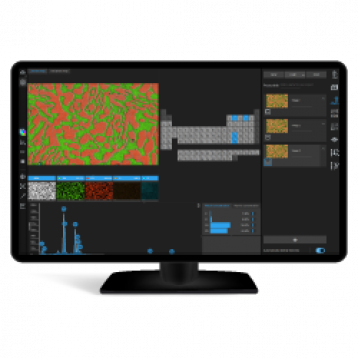
Thermo Scientific™ Microscope Companion software (MiCo in short) is a microscope or hardware-oriented application to prepare Thermo Scientific™ Transmission Electron Microscopes for data acquisition in other dedicated software applications like Velox, EPU, etc. MiCo software is aimed at supervisors (thus not at all users) and is intended as a helpful assistant in identifying and correcting issues.
Latest version released: XX.X
Release date: Month-XX-2025
Compatibility:
MiCo can be used with any Thermo Scientific and FEI Transmission Electron Microscope (TEM) with compatible software (Windows 10 and above). The compatible Microscope Software versions for Titan are 3.21 – 3.26 and Talos are 2.21 – 2.26.
Release information:
This release includes the following features to be introduced on applicable systems:
Various autoloader improvements (sample on stage warning, autoloader pressure, and liquid nitrogen filling indication)
Detector and Optics page redesign
Optics page displays illuminated area with auto zoom enable/disable functionality, and focus beam on supported systems
Optics page displays the aperture status and position, with enable/disable option (from microscope software version X.26 onward)
MiCo can be installed independent from TEM server (can remain operational and restart not required). It takes approximately a minute and can be upgraded (or downgraded) using the installer.
Activation / Licensing
Installers
MiCo_1.19.0.11062.exe
This asset is only available to logged-in users. Please or to access all content.
This asset is only available to logged-in users. Please log in or sign up here to access all content.